

Fairmont Hot Springs Real Estate
Riverside Golf Estates is the Columbia Valley’s most popular address—riverfront and golf course frontage lots in a gated community with mountain views near Fairmont Hot Springs BC. Phases 4 & 5 introduce 31 new lots, 15 of which are waterfront—live where luxury meets nature.
Discover
Riverside Living at Its Best – Fairmont Hot Springs BC
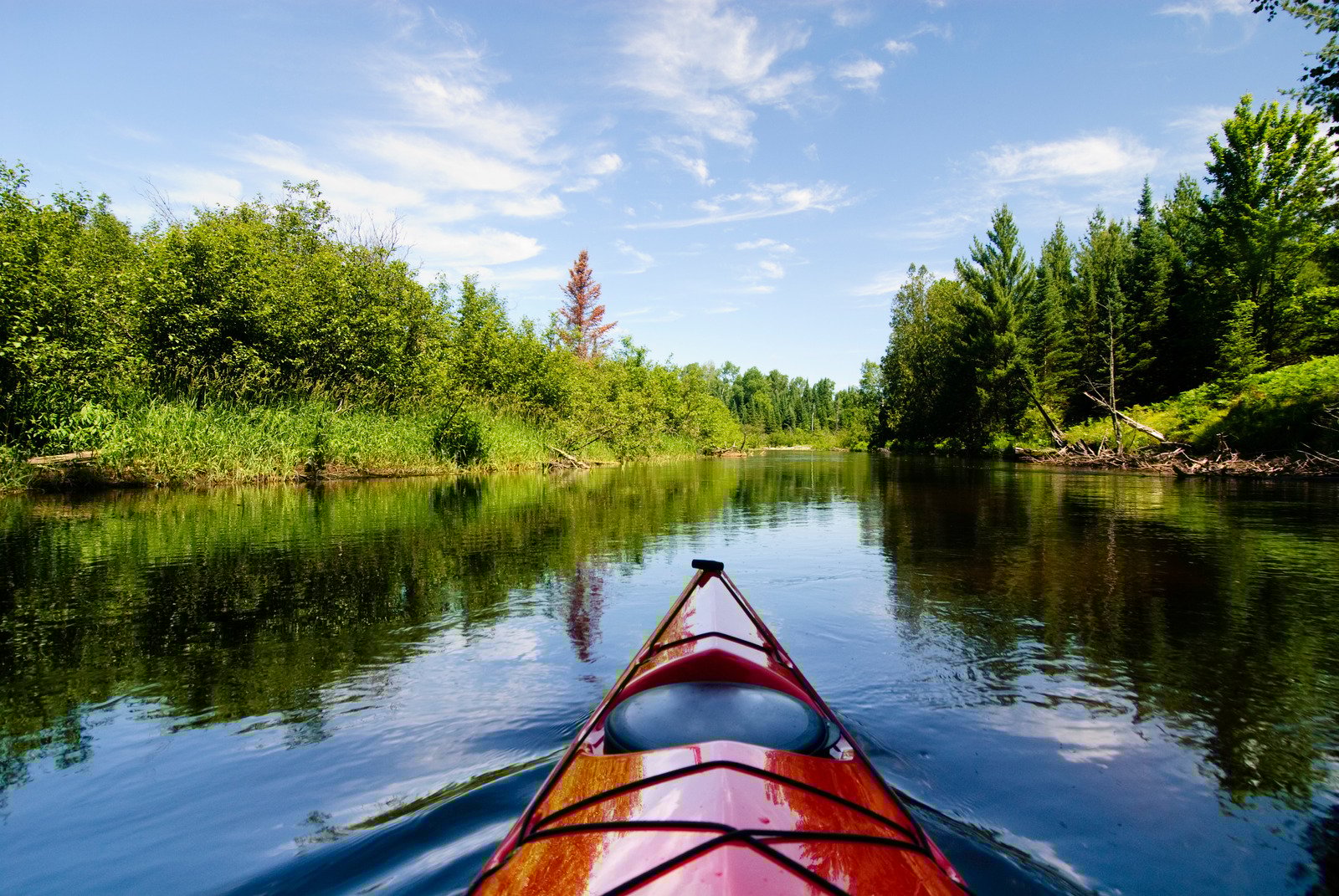
Welcome to Riverside Golf Estates—the most desirable real estate in the Columbia River Valley. This private gated community offers the ultimate lifestyle for those who want quality, peace and recreation year-round. Architectural guidelines ensure a high standard throughout the neighborhood and select waterfront lots have direct access to fishing, swimming and boating from your front yard. Aviation lots even allow you to park your plane on your property. With all lots in Phases 1-3 sold out and demand high, Phases 4 and 5 now offer 31 new lots to invest in—15 of which are waterfront. If you’ve ever dreamed of living beside a pristine river with the Rocky Mountains as your backdrop, Riverside is where that dream comes true.

Fairmont Hot Springs Real Estate Investment
Riverside Golf Estates is a rare opportunity to invest in premium Fairmont BC real estate, this community was approved before the changes and is one of the last in BC where you can build your dream home within 10 meters of the Columbia River. Whether you’re looking for a retirement home, vacation home or future investment, these riverfront and golf course lots have long term value. The data is from the Canadian Real Estate Association so it’s reliable and accurate.
Limited Real Estate Available
About Fairmont Hot Springs BC
Fairmont Hot Springs is a charming village located in the heart of the Columbia Valley, East Kootenay region of British Columbia, Canada. For centuries the Ktunaxa and Shuswap people valued the area’s warm mineral-rich waters for their healing properties. In the late 1800s settlers like Sam Brewer established a stagecoach stop here laying the foundation for the resort community that exists today. Over time Fairmont Hot Springs evolved into a popular destination offering relaxation and adventure.
Living in Fairmont Hot Springs is a unique experience, relaxation, and adventure in a beautiful natural setting. The Fairmont Hot Springs Ski Area has 14 groomed runs for all skill levels making it a great family-friendly ski destination. Golfers can enjoy three courses: Mountainside, Riverside and Creekside each with its own challenges and views. Nature lovers can explore Columbia Lake Provincial Park just south of Fairmont Hot Springs which offers swimming, canoeing, and picnicking. Fishing is also popular in the area with Columbia River and Columbia Lake being hotspots for rainbow trout and kokanee.
With all the recreational activities and natural attractions, Fairmont Hot Springs real estate is perfect for those looking for a peaceful lifestyle in the mountains. Whether it’s a cozy condo or a luxury mountain home the properties here allow residents to soak up the history and natural beauty of the area.


Outdoor Activities Near Hot Springs
Fairmont Hot Springs is an outdoor enthusiast’s paradise with plenty of activities to enjoy in the area. From hiking and biking to golfing and skiing, there’s something for everyone. The village is close to several national parks including Banff National Park and Columbia Lake Provincial Park. You can also explore the nearby Rocky and Purcell Mountain ranges for breathtaking views and endless adventure. With natural hot springs and stunning scenery Fairmont Hot Springs is the perfect destination for those who love the great outdoors. Whether you’re hitting the trails or soaking in the springs, every day here is an opportunity to connect with nature.
Local Amenities and Hot Springs
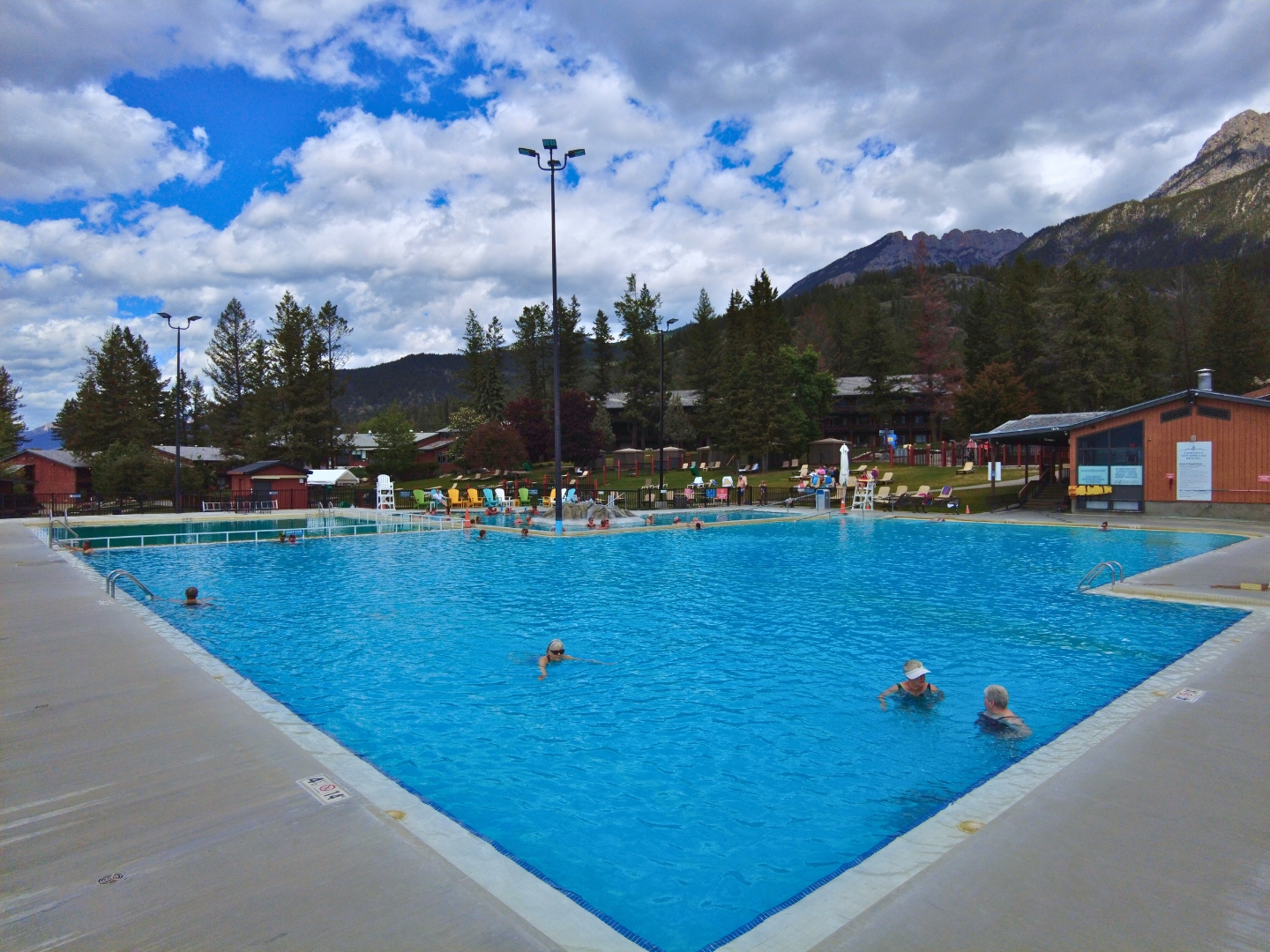
Fairmont Hot Springs is a lively community with local amenities and services. The village has several shops, restaurants and cafes as well as outdoor recreation facilities. You can soak in the natural hot springs, play a round of golf or ride horseback through the countryside. With its natural beauty and amenities Fairmont Hot Springs is perfect for families, retirees and outdoor enthusiasts. The village also has several real estate professionals who can help you find your dream home in this beautiful part of British Columbia. Whether you’re looking for a cozy home or a luxury estate Fairmont Hot Springs has something for everyone. Click here to visit our local guide to Amenities in Fairmont BC.

Schools and Education
Fairmont Hot Springs has several educational options for families including public and private schools. The village is serviced by School District 6 which has several schools in the area. Families can also access extracurricular activities and programs including sports teams, music lessons and outdoor education programs. With its strong sense of community and commitment to education Fairmont Hot Springs is a great place to raise a family. Whether you’re looking for a house or a cabin Fairmont Hot Springs has lots to suit different needs and budgets. This community ensures every child has access to quality education and enriching activities making it a great place to raise a family.